

Who this is for
Authors wanting a branded site rather than a generic template.Overview
Customizes colors, fonts, and visual style across the entire public author site. Edited live on the public homepage via an inline drawer — go to Website settings → Website menu → Edit theme.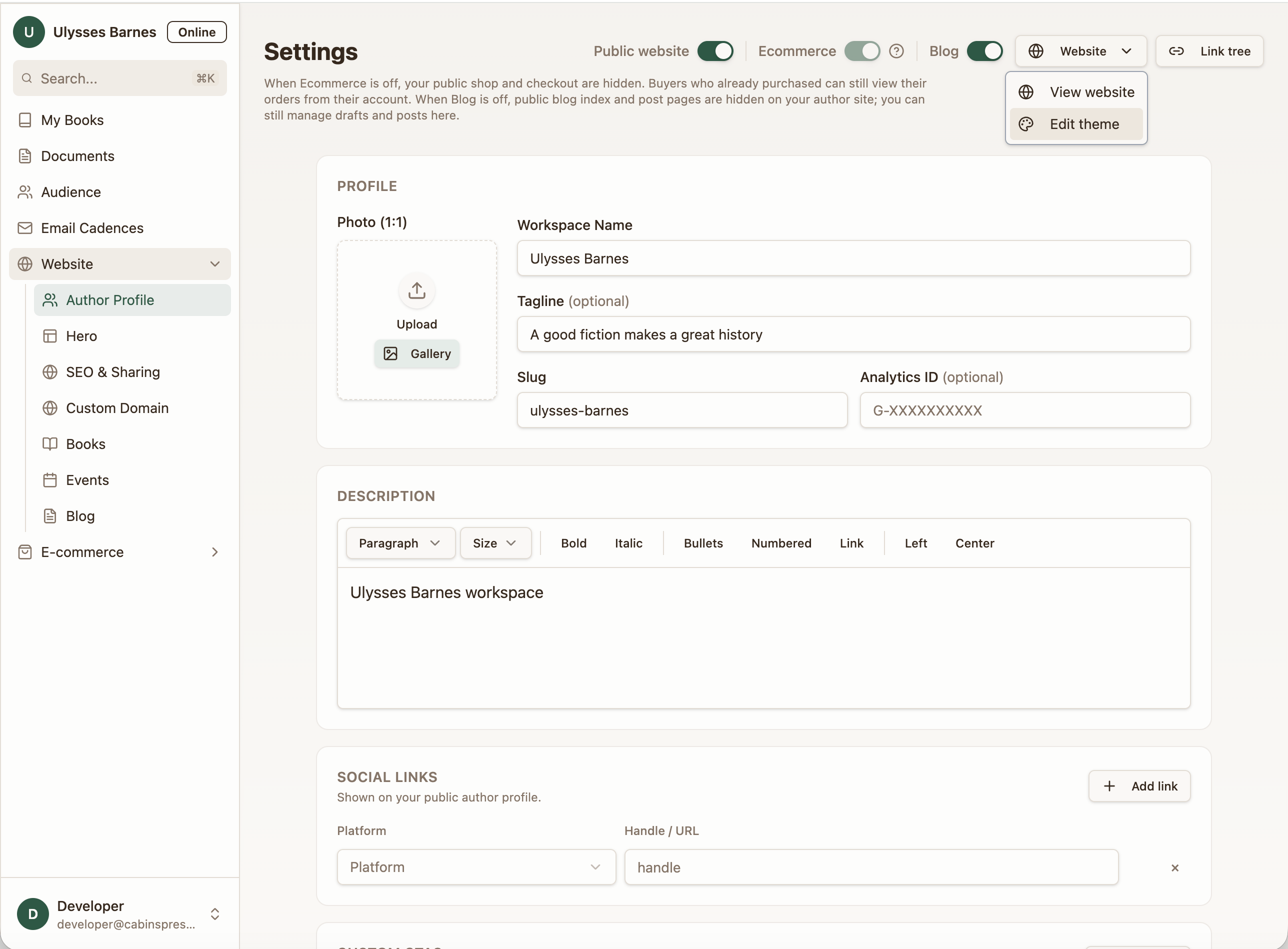
How it works
Preset palettes
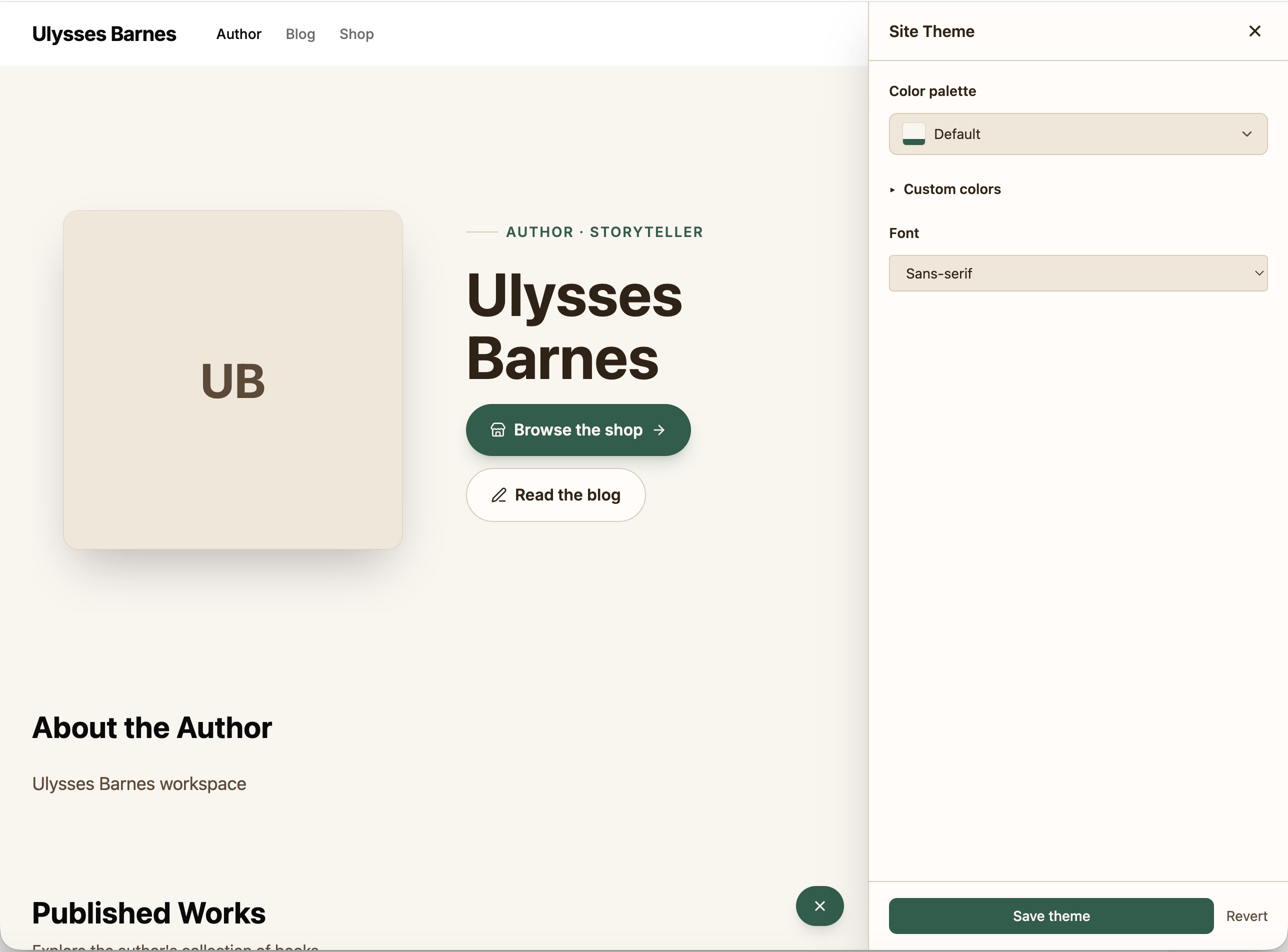
Choose from a set of curated palettes or build a fully custom one: Preset options: Default, Warm Linen, Midnight, Forest, Blush, Mono, Coffee, Chalk, Bold, Tangerine, Aldo Rebelo Admin, Clientum Custom mode exposes 11 color tokens you control directly:- Background, foreground
- Card
- Primary, accent
- Muted
- Border
- Foreground variants for each
Dark mode
Dark mode is generated automatically from your light palette — you only edit light colors. CabinsPress derives the dark equivalents for you.Fonts
Choose from System fonts (Sans or Serif) or 14 curated Google Fonts including DM Sans, Lora, Merriweather, Playfair Display, and more. The selected font applies site-wide across all headings and body text.Live preview
The theme editor opens as a drawer on the actual live homepage, so you see your changes in real context as you make them. Save applies the theme; Revert rolls it back.Accessibility
WCAG AA contrast checks run automatically for both the light palette and the generated dark mode. Saving is blocked until contrast passes — so your site stays readable for all visitors.Where the theme applies
The site theme is applied consistently across:- Homepage
- Book pages
- Blog
- Shop
- Buyer account and checkout
- Link-in-bio
Cache and publish timing
When you save a new theme, the relevant caches are invalidated automatically. Changes appear on your public site within seconds — no manual publish step needed.Edge cases
- No saved theme: Your site uses CabinsPress default styling until a theme is saved.
- Per-book ARC theme: ARC sign pages have custom themes that should be designed to match the aesthetic of your composition. The theme can be edited the from the ARC settings session inside of the your book details in the app.
Next steps
- ARC Theme & Branding — set a per-book theme for ARC signup pages
- Per-Book Website Settings — control visibility, slug, and other per-book options